See the order.
Read the network.
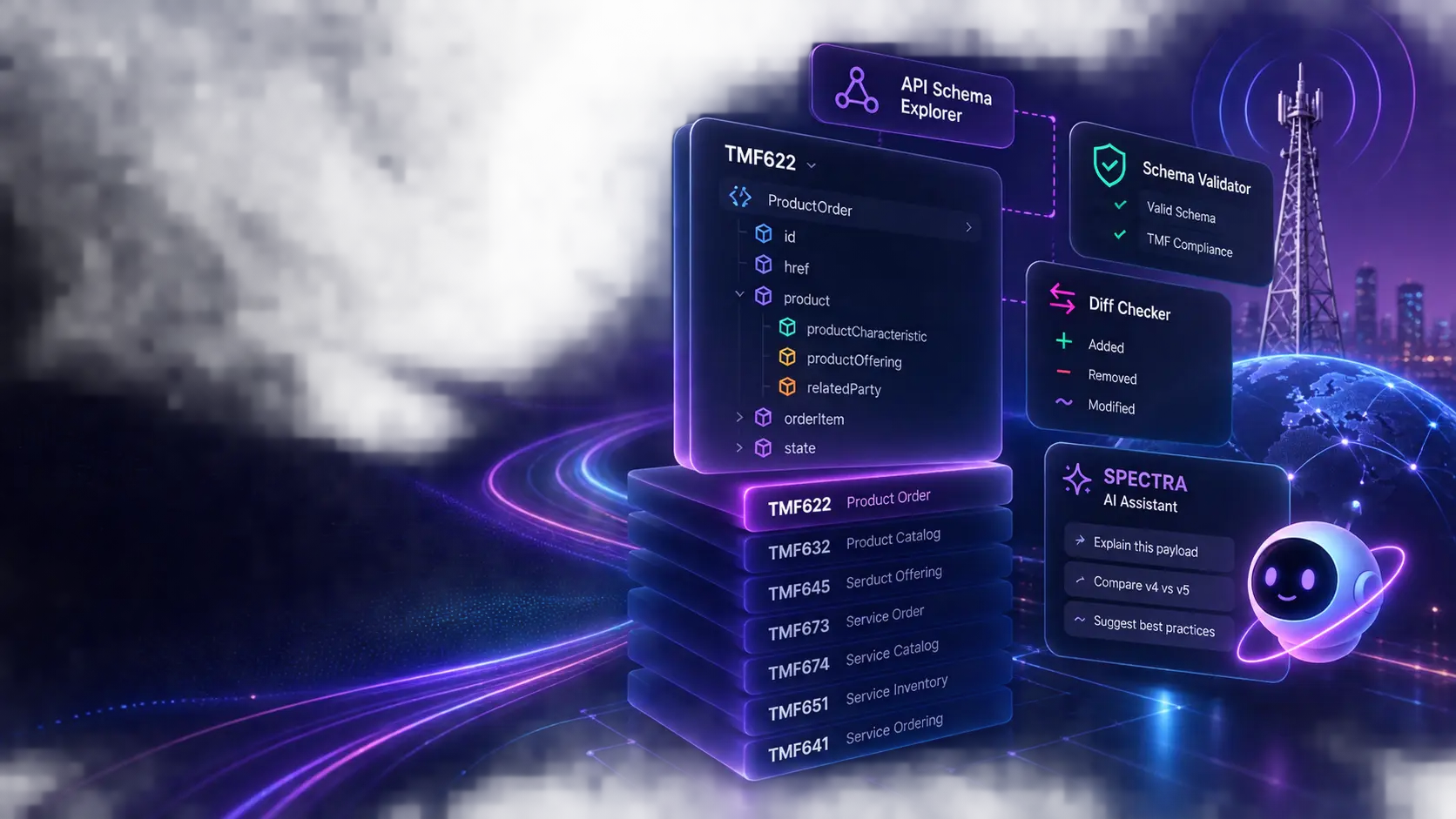
Turn dense product-order payloads into topology you can inspect, explain, and share. No data leaves your machine.









No backend.
No wait.
Everything runs in the browser. Drop in a JSON payload and the visualizer renders instantly — there is no server processing, no round trip, no data leaving your machine.
Knowledge Base & PDF RAG.
In your browser.
Index custom PDF, Markdown, Text, and JSON user guides directly into browser-local IndexedDB. Tag documents to 23 live TM Forum APIs or Global scope so Spectra AI cites exact page numbers and business rules on every prompt send.
Contract first,
always.
The schema validator runs against every published TMF Open API version — v4 and v5 — browser-local. Paste a payload, see the errors, fix the contract gap before it reaches production.
Cloud AI Hub & History Persistence.
Resume anytime.
Orchestrate flagship cloud models (DeepSeek, Groq, OpenRouter, OpenAI, Ollama) alongside local WebGPU models. Chat sessions are auto-saved to client-side IndexedDB with 20-message memory and instant resume controls.
Twenty-three APIs.
One workflow.
From product ordering to customer billing, from party management to geographic sites — every TMF domain in a single toolkit, with a consistent interface so you never have to re-learn the tool.
Ask Spectra.
Get answers.
Spectra is a hybrid AI copilot (WebGPU + Cloud AI Model Hub) that knows the active API, schema version, and uploaded PDF documentation. Ask why a field is failing, what a schema rule means, or how to fix a payload gap — entirely private, zero server storage.
Twenty-three instruments, one workflow
From payload
to picture.
Choose an API from the navigation above, load a JSON payload, and stay focused on the meaning behind the fields.
- 23TMF Open APIs
Covering ordering, inventory, catalog, party, billing, geographic, cost, document, scheduling, and CDR domains.
- v4+v5Schema versions
Validate against both Open API generations — FVO, MVO, Create and Update variants included.
- 0Data uploaded
Every render, every validation, every export runs entirely inside your browser tab.
- 1×Consistent interface
Load, inspect, validate, export — the same four-step workflow across every API in the toolkit.
- ∞Payload size
No file size cap. Paste a minimal stub or a full production payload — the renderer handles both.
“Stop reading JSON.
Start reading intent.”
“No server.
No leak.
No wait.”
“From contract
to confidence.”
“Every field.
Every relationship.
Visible.”
“Built for depth.
Ready in seconds.”
Product Ordering
Map product-order items, relationships, pricing, and characteristics.
Agreement Management
Read agreement structure, lifecycle state, terms, and specifications.
Party Management
Resolve organizations, individuals, roles, and contact relationships.
Event Management
Inspect event envelopes, topics, payloads, and correlated identifiers.
Service Qualification
Visualise Check and Query eligibility decisions, serviceability, and termination errors.
Service Ordering
Render service order topology — items, actions, dependencies, and entity relationships.
Geographic Address
Visualise geographic addresses, sub-addresses, coordinates, and geolocation data.
Geographic Site
Explore site profiles, location coordinates, operating schedules, relationships, and parties.
Product Catalog
Navigate product catalog hierarchies — categories, offerings, specifications, and bundles.
Trouble Ticket
Visualise ticket severity, status lifecycle, activity timeline, related parties, and entities.
Resource Ordering
Render resource order topology — items, actions, dependencies, and relationships.
Service Inventory
Visualise service instances, supporting resources, characteristics, and relationships.
Product Inventory
Visualise product instances, offerings, pricing, characteristics, and related parties.
Account Management
Visualise billing accounts, credit limits, payment plans, and balance history.
Payment Management
Visualise payment records, methods, authorisations, tax amounts, and payment items.
Customer Bill
Render customer bills as premium invoice documents — line items, tax, applied payments, and due amounts.
Product Offering Qualification
Visualise qualification results — eligibility decisions, serviceability confidence, and termination errors.
Cost Management
Visualise actual and projected cost records — cost items, allocations, rates, and related parties.
Customer Management
Visualise customer profiles — engaged party, accounts, credit profiles, payment methods, agreements, and contact mediums.
Quote Management
Render quote documents — items, pricing, product offerings, validity periods, authorisations, and related parties.
Document Management
Visualise document records — attachments, related parties, specifications, and lifecycle state.
Appointment Management
Render appointments as rich calendar cards — time slots, related parties, calendar events, and status lifecycle.
CDR Transaction Management
Visualise CDR transaction records — revenue share rules, transaction items, billing parties, and settlement data.
A practical loop
Understand it.
Then explain it.
A dependable rhythm for solution architects and integration teams.
- 01Load
Drop in a payload or open the live JSON editor.
- 02Inspect
Follow relationships, metadata, and contract targets without losing context.
- 03Share
Export a clean visual view for architecture reviews and client conversations.